
Most of my clients had not heard of Making Tax Digital for Income Tax until HMRC wrote to them.
Even then, the letter did not always make things clear.
If that sounds familiar, this guide is for you.
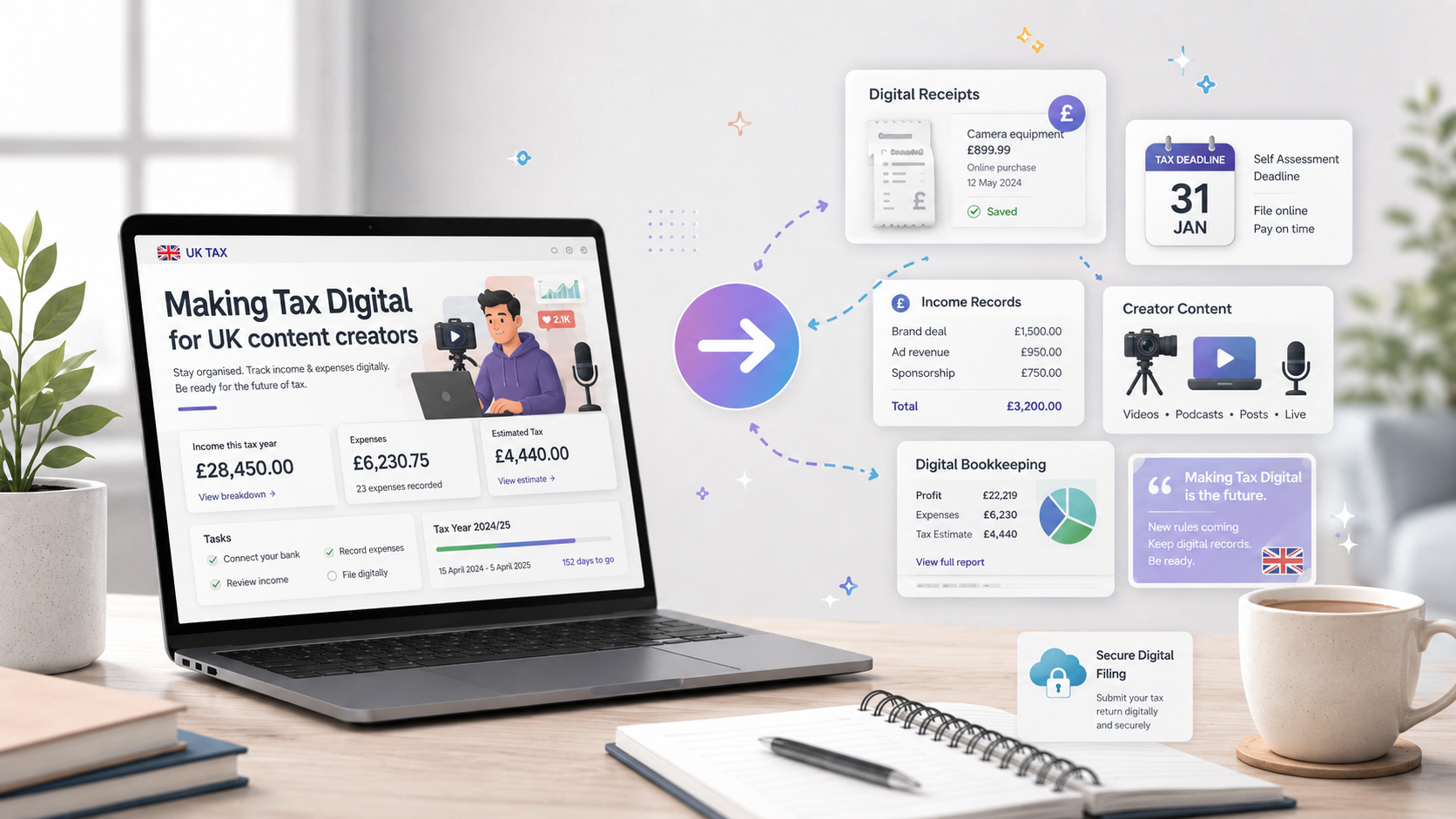
Making Tax Digital for Income Tax changes how some sole traders and landlords keep records and report information to HMRC.
You will need to keep digital records, use compatible software and send quarterly updates. You will still submit an annual tax return.
Here is what UK content creators need to know.
What is Making Tax Digital for Income Tax?
Making Tax Digital for Income Tax is often shortened to MTD for Income Tax or MTD ITSA.
Under the existing Self Assessment system, many creators gather their records and submit one tax return after the end of the tax year.
Under MTD for Income Tax, you will need to:
- Keep digital records of your business income and expenses
- Use software that works with MTD for Income Tax
- Send quarterly updates to HMRC
- Complete and submit your annual tax return using compatible software
The quarterly updates are summaries of your income and expenses. They are not separate tax returns.
You do not normally need to make accounting or tax adjustments before sending them. Those adjustments are dealt with before the annual tax return is submitted.
MTD changes the way information is recorded and reported. It does not replace your annual tax return.
When does MTD for Income Tax become compulsory?
HMRC is introducing MTD for Income Tax in stages.
You should have started using it from 6 April 2026 if your qualifying income for the 2024 to 2025 tax year was more than £50,000.
You will need to start from 6 April 2027 if your qualifying income for the 2025 to 2026 tax year is more than £30,000.
You will need to start from 6 April 2028 if your qualifying income for the 2026 to 2027 tax year is more than £20,000.
These are “more than” thresholds. An income of exactly £50,000, for example, does not exceed the £50,000 threshold.
HMRC should write to you if its records show that you need to use MTD. However, you should not rely only on receiving a letter.
It remains your responsibility to check whether the rules apply to you.
What is qualifying income?
Qualifying income is your total gross income from self-employment and property before deducting expenses.
It is turnover, not profit.
For a self-employed content creator, this may include income from:
- Brand collaborations
- Sponsored content
- YouTube or other platform earnings
- Affiliate commissions
- User-generated content
- Digital products
- Merchandise
- Memberships and subscriptions
- Appearance fees
- Freelance creative work
Suppose you receive £55,000 from your creator business during the year and have £25,000 of allowable expenses.
Your profit may be £30,000, but your qualifying income is normally £55,000. You would therefore be above the £50,000 threshold.
This is where people can easily get caught out. Looking only at the profit shown in your accounts may give you the wrong answer.
What if you have more than one business or rental property?
HMRC looks at your total qualifying income from self-employment and property.
Suppose you receive:
- £28,000 from your content creation business
- £12,000 from a separate freelance business
- £13,000 in gross rental income
Your total qualifying income would be £53,000.
You cannot look at each business separately when deciding whether you have crossed the threshold.
However, not every type of income is qualifying income. Employment income, dividends, pensions and your individual share of partnership profit do not normally count towards the MTD qualifying-income threshold.
They may still need to be included in your annual tax return.
What records will you need to keep?
You will need to keep digital records of your self-employment income and expenses.
For a creator, that could include:
- Brand invoices
- Platform statements
- Affiliate income reports
- Bank transactions
- Software and subscription costs
- Equipment purchases
- Travel expenses
- Agency or management fees
- Gifted products received in return for work
- Overseas income and related charges
Digital records do not necessarily mean scanning every receipt and sending it to HMRC.
Your records must be maintained digitally and connected to the compatible software used for your MTD submissions.
Keeping everything up to date will make the quarterly process much easier.
What do the quarterly updates contain?
Your software will add together the digital records for each business.
The quarterly update contains totals for the income and expense categories used for your self-employment or property business.
HMRC does not receive copies of individual invoices or receipts through the quarterly update.
The updates are cumulative. Each one covers the period from the beginning of the tax year to the end of that update period.
For standard tax-year reporting periods, the deadlines are normally:
- 7 August
- 7 November
- 7 February
- 7 May following the end of the tax year
You must still send an update if you had no income or expenses during the latest reporting period.
Once an update has been sent, your software or HMRC account may show an estimated tax bill. Treat this as an estimate. It may not include every adjustment or source of income that will appear on your final tax return.
Does the annual tax return disappear?
No.
You will still need to complete and submit an annual tax return.
After the tax year ends, you will need to:
- Check your digital records
- Correct any errors
- Make the necessary accounting and tax adjustments
- Add other taxable income and gains
- Check the tax calculation
- Submit the completed tax return through compatible software
The normal 31 January filing deadline continues to apply.
The quarterly updates should make the annual process more manageable because much of the bookkeeping will already have been completed. But they do not replace the tax return.
What software will you need?
You must use software that is compatible with MTD for Income Tax.
HMRC provides a software finder showing products that work with the system. HMRC does not approve or recommend one particular accounting package.
The right option will depend on:
- The size of your business
- The number of income sources you have
- Whether you are VAT registered
- Whether you do your own bookkeeping
- Whether an accountant submits information for you
- The records you already keep
Some creators may use a complete bookkeeping package. Others may be able to continue using spreadsheets alongside compatible bridging or submission software.
The important point is that the records and submissions meet HMRC’s digital requirements.
Do not choose software only because it is popular. It needs to suit the way your creator business actually works.
What happens if you miss a quarterly deadline?
MTD for Income Tax uses a points-based late-submission penalty system.
However, HMRC has confirmed that it will not apply penalty points for late quarterly updates during the 2026 to 2027 tax year.
You will still need to send the outstanding quarterly updates before you can submit your annual tax return. The normal penalty rules for submitting the tax return late will continue to apply.
After the 2026 to 2027 tax year, missing a quarterly deadline can result in a penalty point.
If you reach four points for quarterly obligations, HMRC can issue a £200 financial penalty. Further missed deadlines may lead to additional penalties while you remain at the penalty threshold.
This makes a reliable bookkeeping and submission process important.
What if you operate through a limited company?
MTD for Income Tax applies to qualifying self-employment and property income. It does not currently apply to the trading income of your limited company.
If all your creator work is carried out through your company, the company’s turnover does not count towards your personal MTD for Income Tax threshold.
The position can change if you also:
- Carry out freelance work personally
- Receive property income
- Run another sole-trader business
- Accept some creator work outside your company
That separate self-employment or property income may bring you within MTD for Income Tax.
It is important to keep personal work separate from work invoiced through your company.
Can you be exempt?
Some people may be exempt from the digital requirements.
For example, you may be able to claim an exemption if it is not reasonable or practical for you to use digital tools because of age, disability, location, religion or another genuine reason.
An exemption is not automatic in every case. You may need to apply to HMRC and explain your circumstances.
Being uncomfortable with new software is unlikely to be enough by itself.
If HMRC grants an exemption, you will still need to report your income and gains through Self Assessment.
Why will creators need to take particular care?
Creator income rarely comes from one simple source.
You may receive:
- Monthly platform payments
- Irregular brand fees
- Affiliate commission
- Income in foreign currencies
- Products or experiences in return for content
- Membership income
- Payments through agencies
- Direct payments from clients
If these records are only reviewed once a year, it is easy to miss income or apply the wrong treatment.
MTD makes regular bookkeeping more important. It also gives you a reason to check that platform reports, invoices and bank receipts agree throughout the year.
The benefit is that you should have a clearer picture of:
- How much the business is earning
- What expenses are being incurred
- How much tax to put aside
- Whether cash flow is becoming tight
- Whether you are approaching the VAT threshold
The quarterly update is not a complete tax calculation. But up-to-date records can still help you make better business decisions.
What should you do now?
If your qualifying income was more than £50,000 for 2024 to 2025, check immediately that you have been signed up and that your software is ready.
If your qualifying income for 2025 to 2026 is likely to exceed £30,000, prepare for the rules starting on 6 April 2027.
If your qualifying income for 2026 to 2027 is likely to exceed £20,000, you should prepare for the rules starting on 6 April 2028.
Whatever your position, the practical steps are similar:
- Check your gross self-employment and property income
- Confirm your expected start date
- Review how you currently keep records
- Choose compatible software
- Decide whether you or your accountant will submit the updates
- Make sure all your creator income sources are being captured
- Build a regular bookkeeping routine
Do not wait until the first quarterly deadline to work everything out.
How Capshine can help
Capshine works with UK content creators and social media influencers.
We can help you:
- Check when MTD for Income Tax applies
- Work out your qualifying income
- Choose suitable compatible software
- Set up your digital records
- Organise income from different platforms
- Manage the quarterly updates
- Complete and submit your annual tax return
- Keep your bookkeeping and tax planning connected
If you are unsure whether you need to use MTD, book a free 30-minute call with Capshine. We will help you understand where you stand and what you need to do next.
This article provides general information only. The rules may depend on your income sources, business structure and individual circumstances. Please obtain professional advice for your position.
Last reviewed: September 2026